One link for everything
Share your products, services, booking links, social accounts, and files through one professional page that is easy to share.

Links by Foxaira
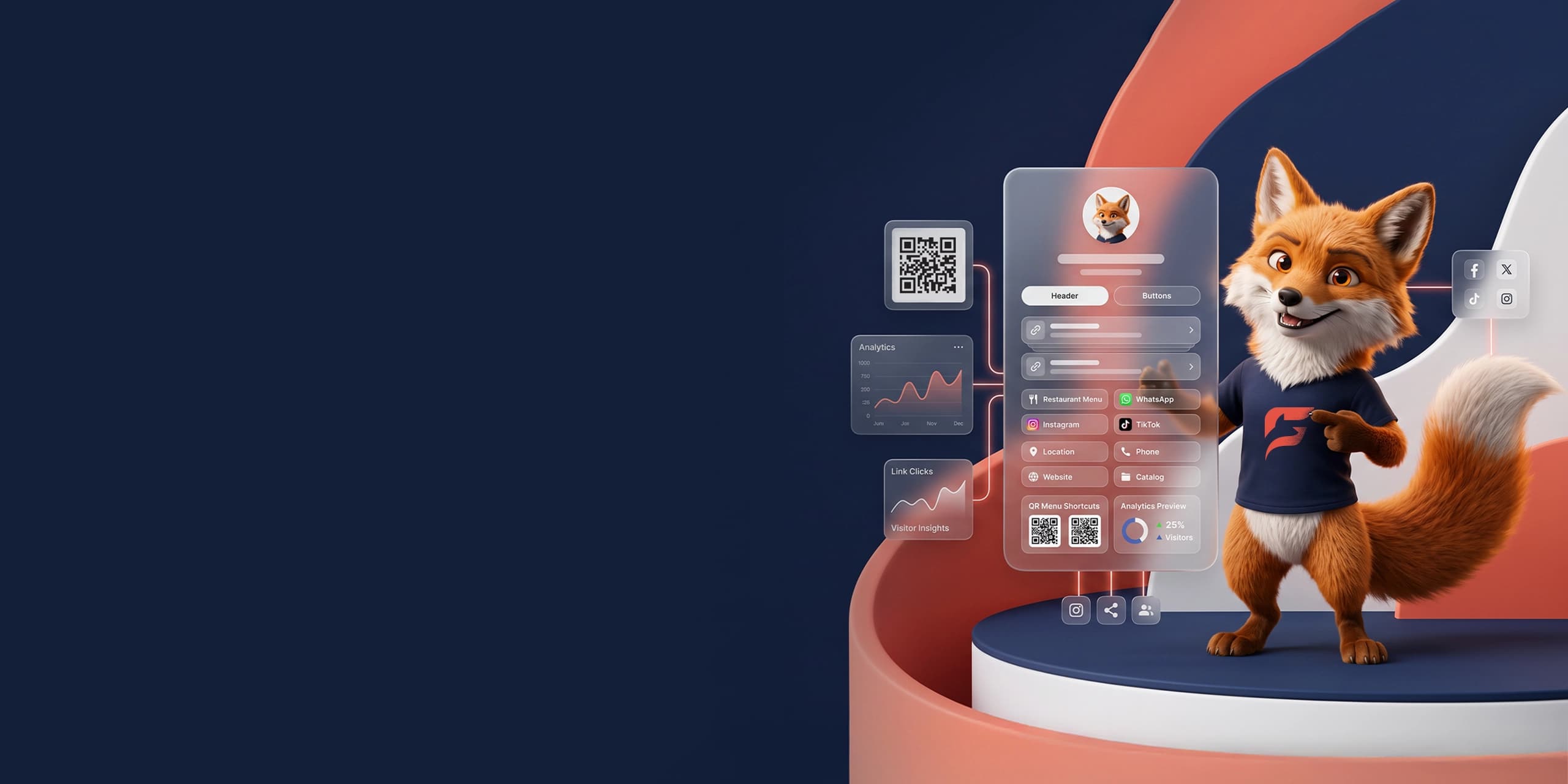
Collect links, menus, offers, social profiles, and contact methods in one clean page that is easy to share and quick for visitors to understand.
Share your products, services, booking links, social accounts, and files through one professional page that is easy to share.
Choose a clean theme, arrange links, add images, and publish in minutes without technical experience.
Track visits and clicks, and understand what your visitors care about so you can make data-based decisions.
How it works
Links keeps the visitor page simple while giving the owner a structured place to manage links, menu items, visuals, and tracking.
Create an account and choose a public username.
Add links, menus, offers, socials, and calls to action.
Publish the page and share it anywhere customers already find you.
Showcases
Links can be used as a simple bio page, a QR menu, a service hub, or a campaign page. These examples match real outputs the product is designed to support.
links.foxaira.ai/noura
A compact page for social profiles, latest drops, paid content, and booking links.
42% clicks to booking
links.foxaira.ai/table12
A QR-friendly page for menu sections, offers, delivery apps, branches, and WhatsApp ordering.
3 menus in one page
links.foxaira.ai/studio
A clean services page with packages, portfolio links, intake forms, and consultation CTAs.
One link for sales
Questions
Links is designed to stay simple for visitors while giving the owner enough structure to manage links, menus, offers, and contact actions safely.
Use it when customers need one clear place to find your links, menu, offers, social profiles, files, booking page, or contact actions. It works well for social bios, QR codes, ads, receipts, and customer messages.
Yes. You can organize important items, offers, categories, and call-to-action links so visitors understand what is available without opening several different pages.
No. The owner manages the public page from the dashboard. Foxaira can help with the initial setup, but day-to-day edits should be handled by the business without technical work.
Keep the page focused. Put the most important actions first, remove old campaigns, use clear labels, and test every link from a phone before putting it in ads or printed material.
Yes. A creator can use it as a clean bio link, while a business can use it for menus, branches, service links, contact buttons, and campaign landing actions.
Use it in social bios, QR codes, ads, receipts, menus, and customer messages.